

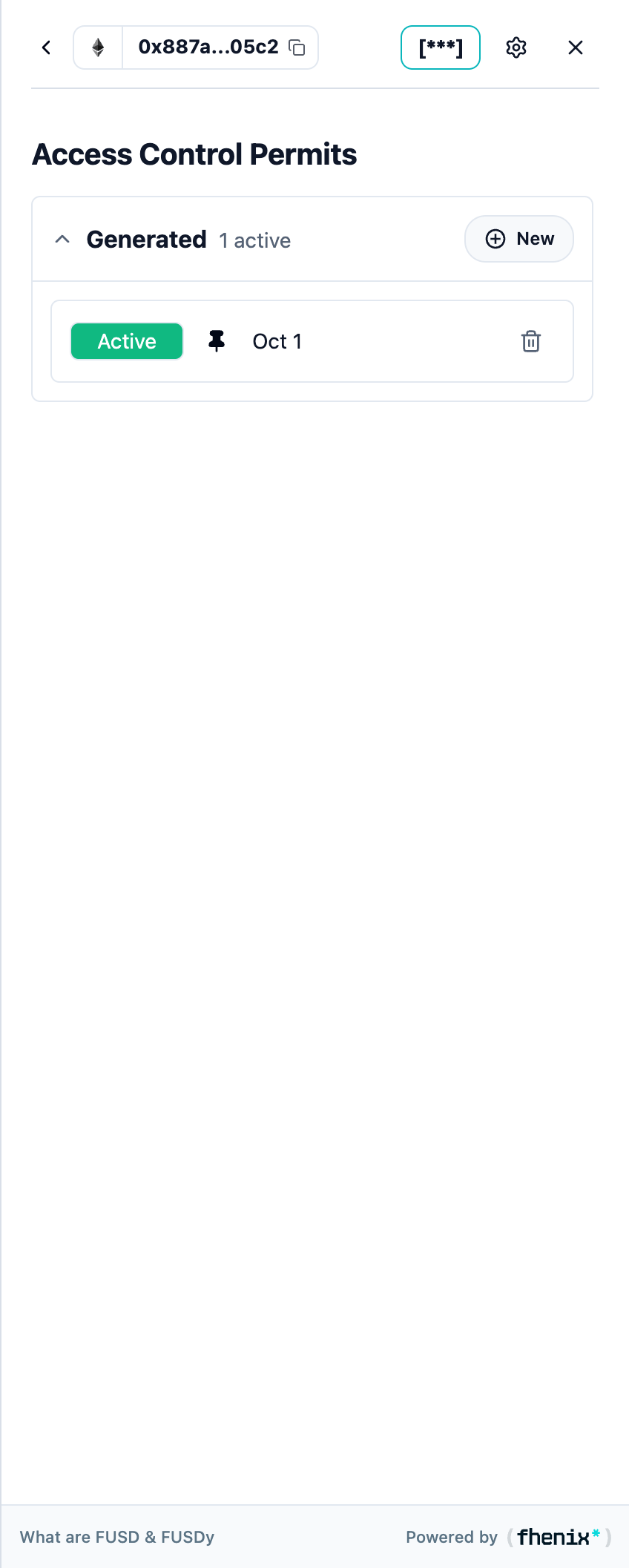
Review the permits used to view encrypted data. To open the Permits screen, use the wallet controls or the Privacy Center.
Screen components
- Generated. Contains your own permits. New opens permit creation.
- Status and default pin. Active and Expired identify permit states. The pin marks the default permit.
- Renew and remove controls. Renew an expired permit or review the removal action for a listed permit.
Steps
1
Choose a section
Choose Generated, Delegated, or Received.
2
Open a permit
Open the relevant permit or use its available action.
3
Check the details
Check the issuer, recipient, status, and expiration before you use or share access.