

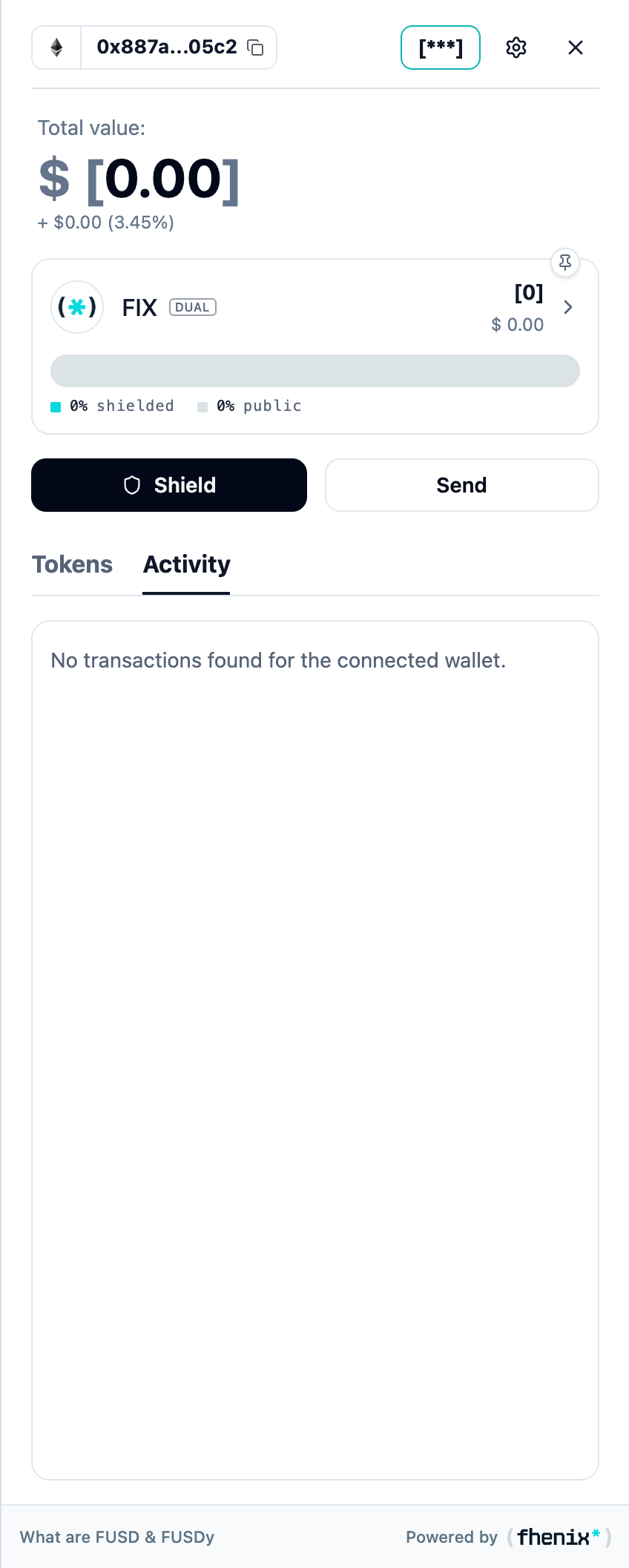
Review actions recorded by the wallet and inspect their transaction references. To open it, select Activity next to Tokens in the portfolio.
Screen components
- Tokens and Activity tabs. Switch between balances and recorded actions.
- Action label. Identifies the kind of action on each row.
- Status. Shows the reported state of that action.
- Time. Shows when the action occurred or how long ago it was recorded.
- Token amount and value. Shows the amount and any available value for that entry.
- Transaction reference. Use the copy control or external link to inspect the transaction in the network explorer.
Steps
1
Find the action
Open Activity and locate the relevant action.
2
Read its state
Check its status and time.
3
Inspect the transaction
Use its transaction reference for further inspection.
4
Finish an unshield
For an unshielding request, return to token details and complete Claim when it is ready.
A missing entry does not prove that a transaction did not occur. Check the connected wallet and the transaction reference.